
AI technology is transforming the creative landscape, and tattooing is no exception.
While AI-powered tattoo software will probably become a reality in a broader sense in the future, AI generated tattoo designs are already making changes in the tattoo industry.
In this article, we’ll explore how an AI tattoo design generator works, as well as how to use it yourself so you can start generating your own tattoo designs.
The Basics of AI in Image Processing
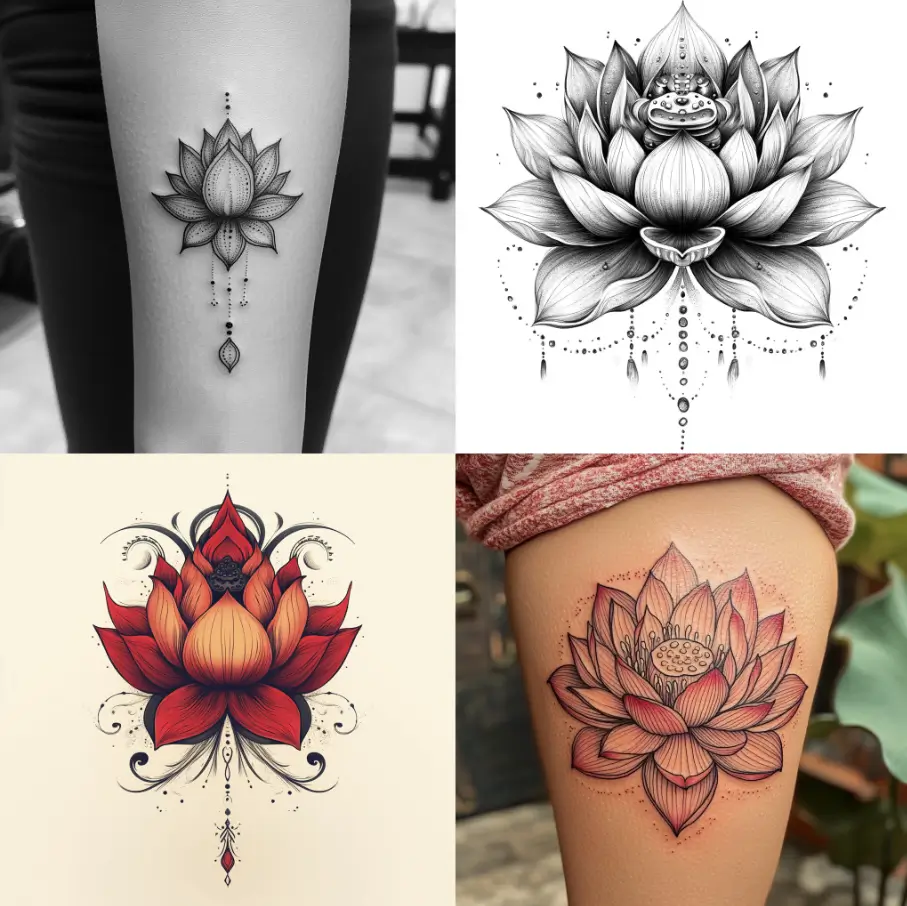
Lotus tattoos designed by Midjourney
An AI tattoo generator can help artists and clients alike by building tattoo designs in two ways.
1
Tattoo Generator “Prompts”
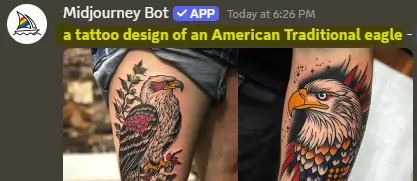
An AI tattoo generator tool can take a “prompt” - or a written request - from a client and create a tattoo design in under a minute.
By telling an AI generator what subject you want to tattoo along with your preferred “style,” you can then continue to adjust your prompt until it turns out a design you like.
2
Inputting a Pre-Existing Image
An AI tattoo designer can take any photo and instantly turn it into a tattoo-ready piece of art.
While AI tools still don’t really account for tattooing concepts like “flow” and instead focus more heavily on achieving the correct tattoo “style,” AI generated tattoos can streamline the design process, saving tattoo artists hours.
AI technology analyzes and transforms images, making it easier to create tattoo-ready designs from photos. By uploading a picture, artists can use AI to apply styles like linework, watercolor, or realism, adjusting details to match a client’s vision.
Popular tools like Adobe Photoshop’s AI filters, Midjourney, and specialized AI tattoo generator apps help simplify images for tattooing. These tools save time and allow artists to experiment with different styles, making the design process smoother and more efficient.AI Tattoo Design Process: A Step-by-Step Process
While writing a prompt for AI tattoo designs is fairly straightforward when you use a formula like this:
“A tattoo design of a [subject] in the [name] style, including [element 1], [element 2], [element 3]
…working off an image requires a few extra considerations. Here’s the steps you’ll want to take when generating tattoo design ideas with AI.Choose and Upload the Right Picture
You will be able to generate better tattoo ideas when you give the AI tattoo creator better reference images:
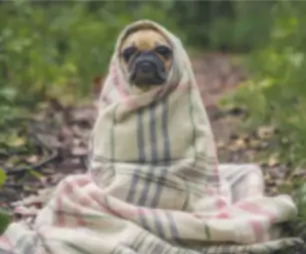
Low image quality, low contrast
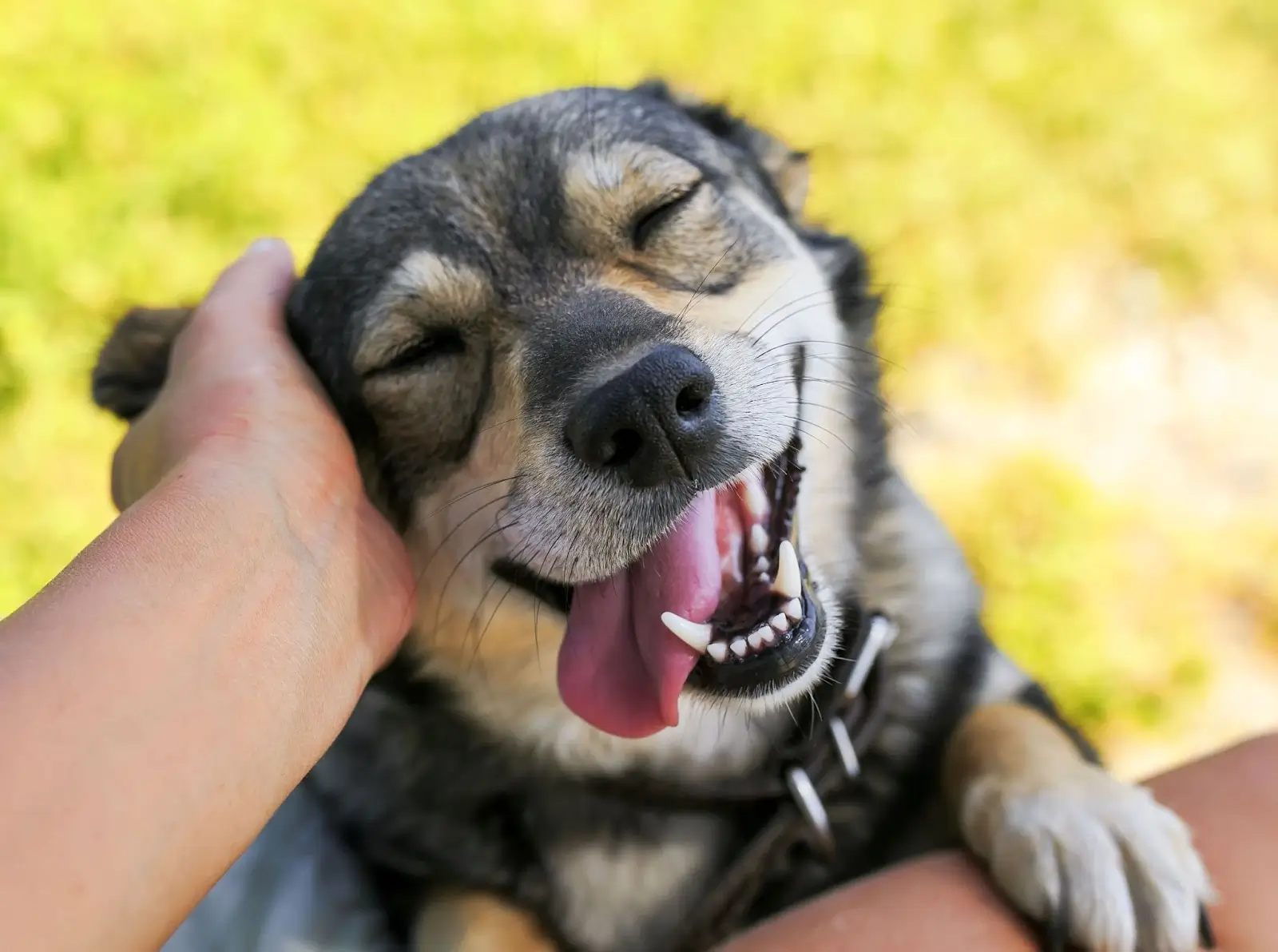
High resolution, good lighting
Choose a clear, high-resolution photo with good lighting. Blurry or dark images won’t produce quality results.
Look for images with a strong focal point, like a person, animal, or object. Too many background details can make the design look cluttered, and it can “confuse” the AI generator.
Apply the Right AI Tool or App
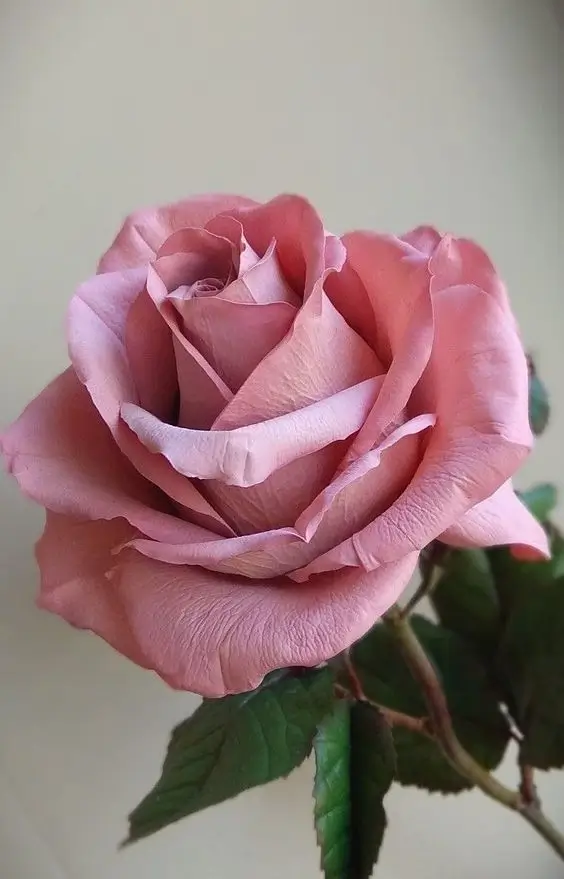
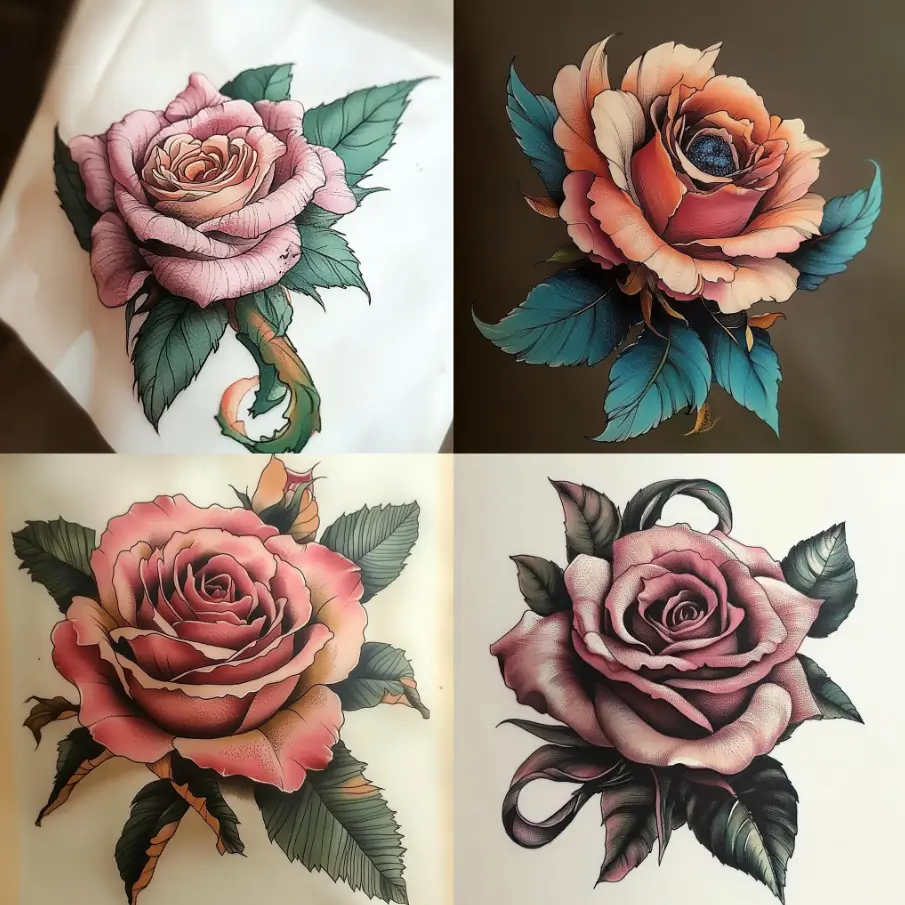
Results asking Midjourney to turn this rose image into a tattoo design.
Use an AI tool or app known for image-to-tattoo conversions, such as Midjourney, Adobe Photoshop (with AI filters), or specialty tattoo apps.
Most tools offer filters and style presets. Pick one that aligns with the tattoo style you want, whether it’s linework, watercolor, or realism. For example, select “sketch” for a linework effect or “enhance” for realistic details.
Adjust for Tattoo-Friendly Features
Reduce intricate details to prevent the tattoo from becoming too complex. Focus on main outlines, shading, and highlights.
Increase contrast to make the design bolder, which will help it translate better to skin.
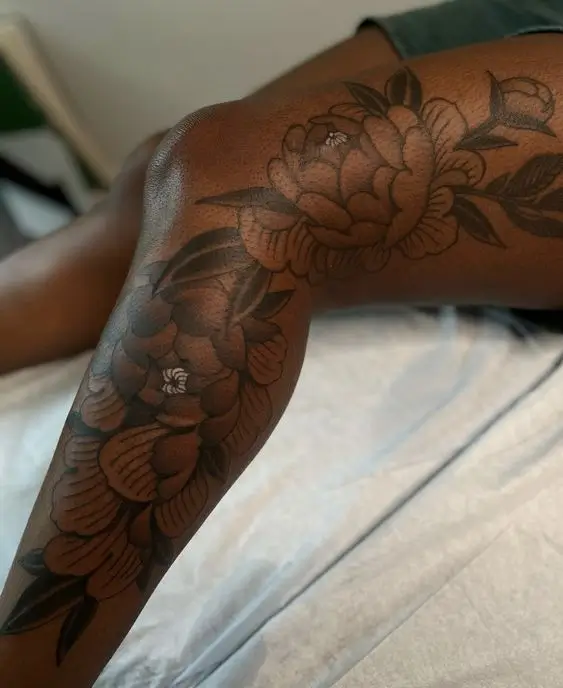
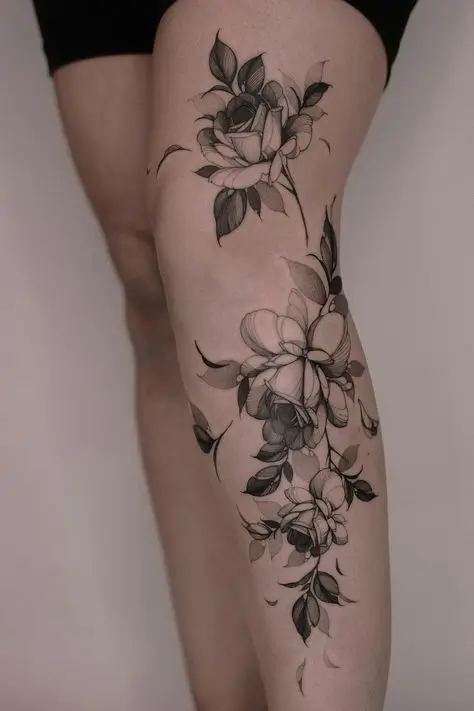
Ensure the design maintains visibility and contrast, as colors look different on skin than on paper. For clients with darker skin tones, you’ll want to ensure you have high contrast. (Ex: light gray wash shows up more easily on lighter skin tones than darker skin tones.)
Refine and Prepare the Final Design
Make any final changes, like smoothing edges or sharpening lines, to ensure the design is clean and clear. It’s easiest to make these changes in apps like Photoshop and Procreate.
Save your image in high quality, ideally as a black-and-white file or stencil format. This format helps tattoo artists turn the design into a stencil for tattooing.
Following these steps will help you turn any photo into a tattoo-ready reference that maintains quality and clarity.
Practical Tips for Using AI in Tattoo Design
Using AI to create tattoo designs can save time, but a few key techniques ensure the best results.
After generating an AI design, adjust line thickness and simplify complex areas. This helps the tattoo look crisp and hold up over time.
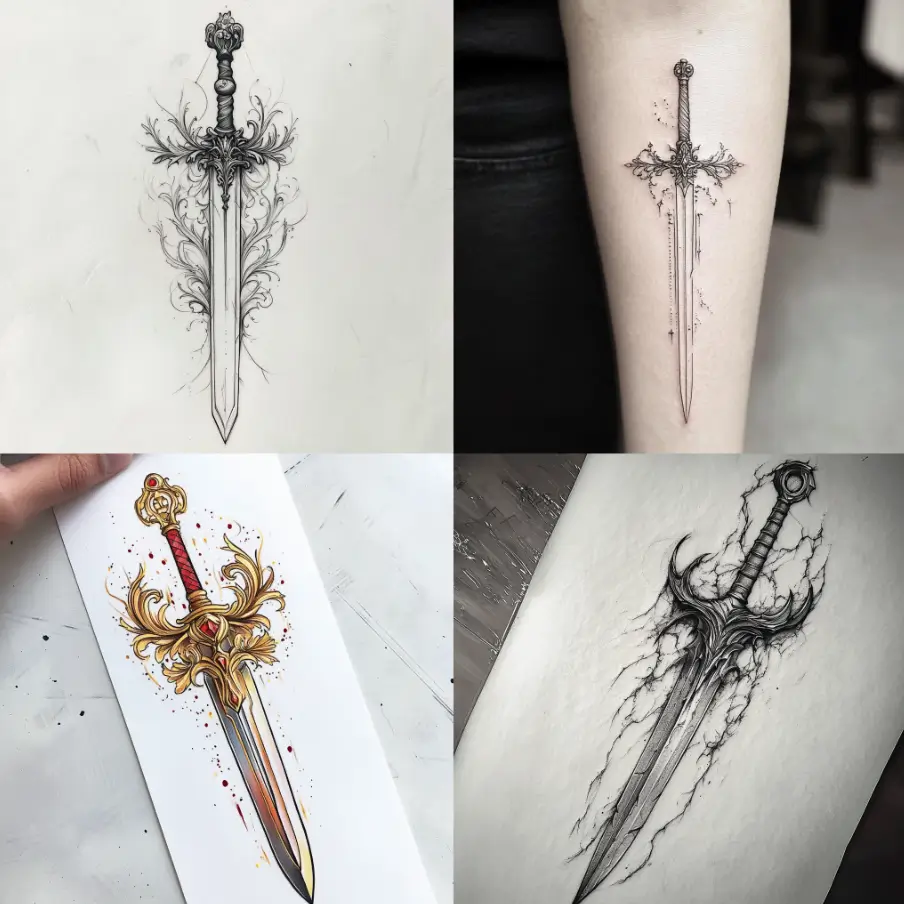
Midjourney “sword tattoo design” results
Test various AI tools like Midjourney or Photoshop AI filters to see which produces the best designs for your style.
Use the AI-generated design as a base, then add your artistic touch. This is a simpler way to create a custom tattoo design because you don’t have to start from scratch.
Export the final image in high resolution and as a stencil-friendly format. This gives you flexibility for printing or further editing.
Future of AI in Tattooing: What’s Next?
As AI technology advances, it’s poised to play an even bigger role in the tattoo industry. Future AI tools could allow artists to create fully customized designs that adjust automatically for size, placement, and even skin tone, taking into account the individual client.
We may see AI tools that can analyze a person’s body shape and recommend tattoo placements or suggest styles that complement other tattoos, providing a more holistic design experience.
AI Tattoo Generator
While image generators are easy to come by, tattoo-specific AI tools are also in the works, with artists building out software that will allow people to transform their ideas, photos, and concepts into tattoo-ready designs in a few easy steps with tattoo-specific settings.
For example, these tools aim to simplify the creative process by offering adjustable styles, such as realism, linework, and watercolor, tailored specifically for tattooing.
By integrating AI into design, these generators could help artists and enthusiasts alike experiment with different tattoo styles, refine details, and create high-quality, custom designs suited for all levels of experience. This technology opens up a world of creative possibilities, making the art of tattooing more accessible and personalized than ever.
Final Thoughts
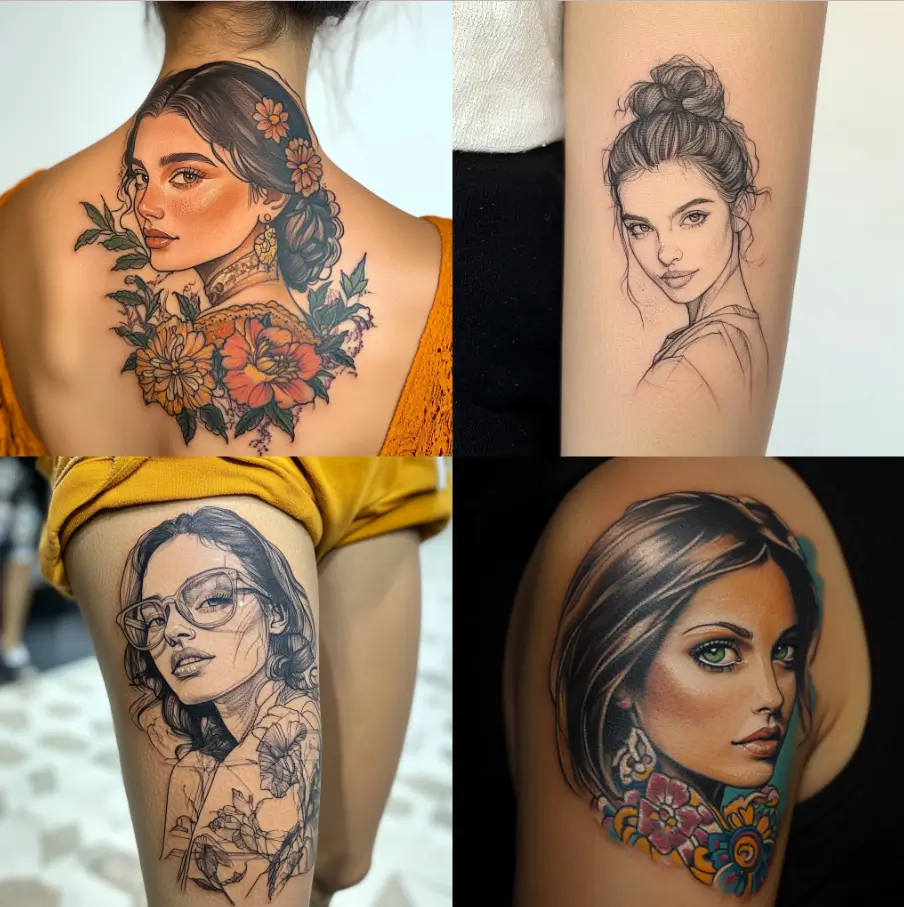
Midjourney “a portrait tattoo of a woman” results
While AI can simplify the design process and offer fresh possibilities, it’s still a tool that complements—rather than replaces—the expertise of a skilled tattoo artist.
By combining AI-generated designs with an artist’s personal touch, tattoo artists can create more custom tattoo designs at a faster rate, meaning more money in their pockets and less time spent working.
As AI continues to evolve, it’s clear that the future of tattoo design will be shaped by the seamless integration of technology and artistry, offering endless opportunities for creative expression.
Learn to Tattoo Without an Apprenticeship
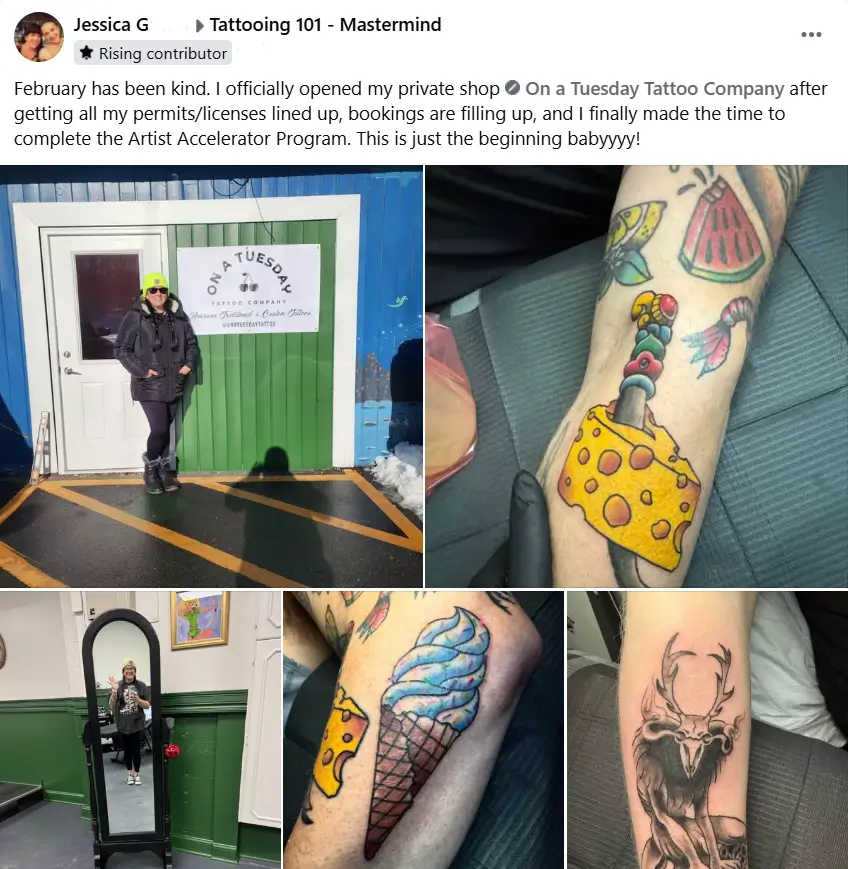
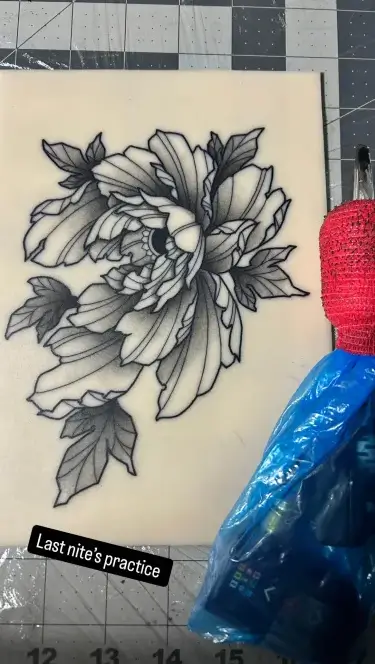
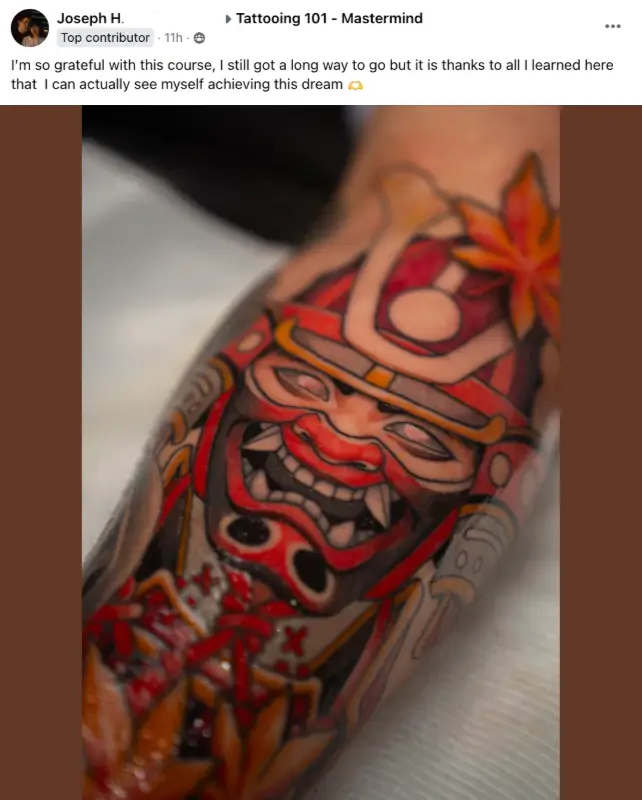
In the past, learning in the shop through an apprenticeship was the only way aspiring artists could learn to tattoo. Today, however, artists are skipping the apprenticeship to learn on their own time at home with the Artist Accelerator Program.
The world’s oldest and largest online tattoo course, the Artist Accelerator Program’s easy-to-follow, 9-step framework lets anyone go from complete beginner to professional tattoo artist without the year of grunt work or hazing.
Inside the program, you’ll be taught everything you’d learn in a traditional apprenticeship by professional tattoo artists and receive feedback on your art and tattoos in the program’s private online Mastermind community.
Over 5000 students have used the Artist Accelerator Program’s 9-step framework to break into the tattoo industry, with many opening their own studios or working in shops around the world.
If you’d like to see the framework they used, click here to learn more about the Artist Accelerator Program.